TAKE THE BETTER EDITING CHALLENGE
You don’t have to guess your way through Lightroom, we’re sharing fundamental editing techniques in our FREE 5 day challenge.
EDIT LIKE A PRO IN 5 DAYS!
Get easy to follow, bite sized video tutorials sent straight to your inbox for 5 days. You'll be editing with confidence and efficiency in no time.
We don't send spam. Unsubscribe at any time.
YOU'LL LEARN...
Easy tweaks to elevate your editing and build consistency in your work, so your images look polished and cohesive.
Day 1️⃣ : Perfecting lens corrections & straightening.
Day 2️⃣ : Nail your exposure, white balance & skin tones.
Day 3️⃣ : Easiest airbrushing you'll ever do.
Day 4️⃣ : Practical keyboard shortcuts to save you time.
Day 5️⃣ : Fun editing techniques - get creative and playful in your photo editing.
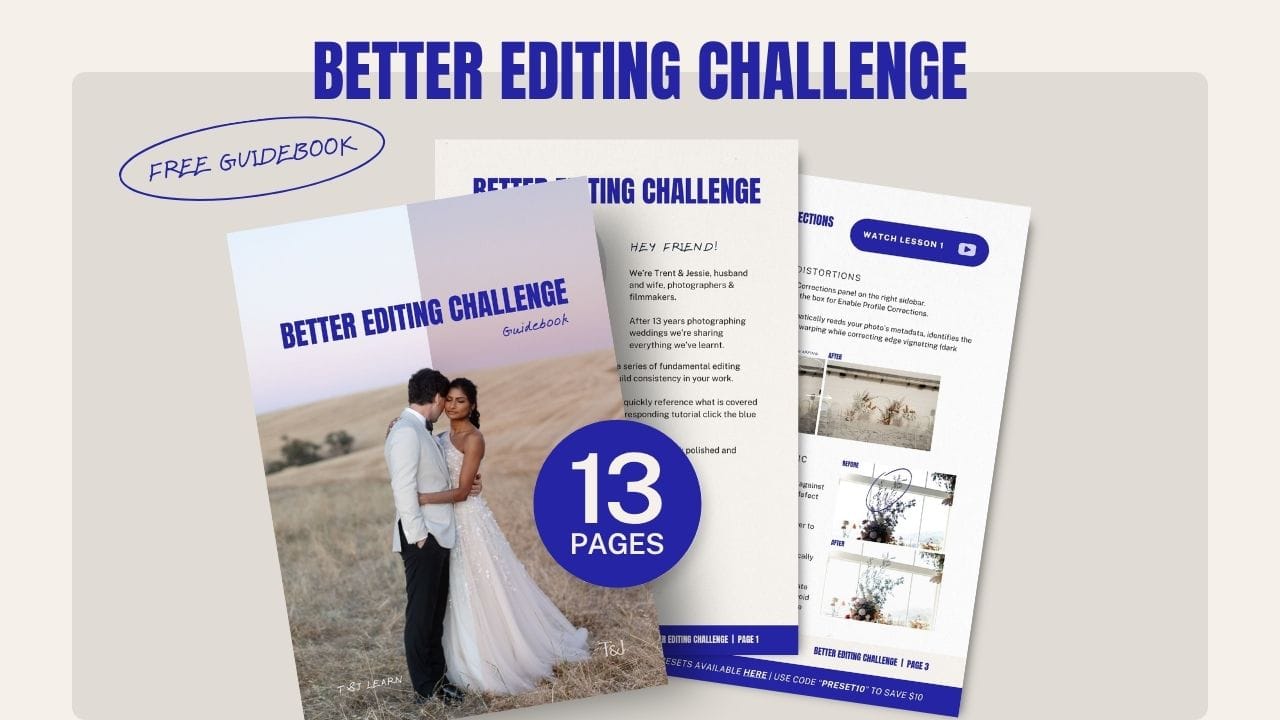
& download our FREE Better Editing Guidebook
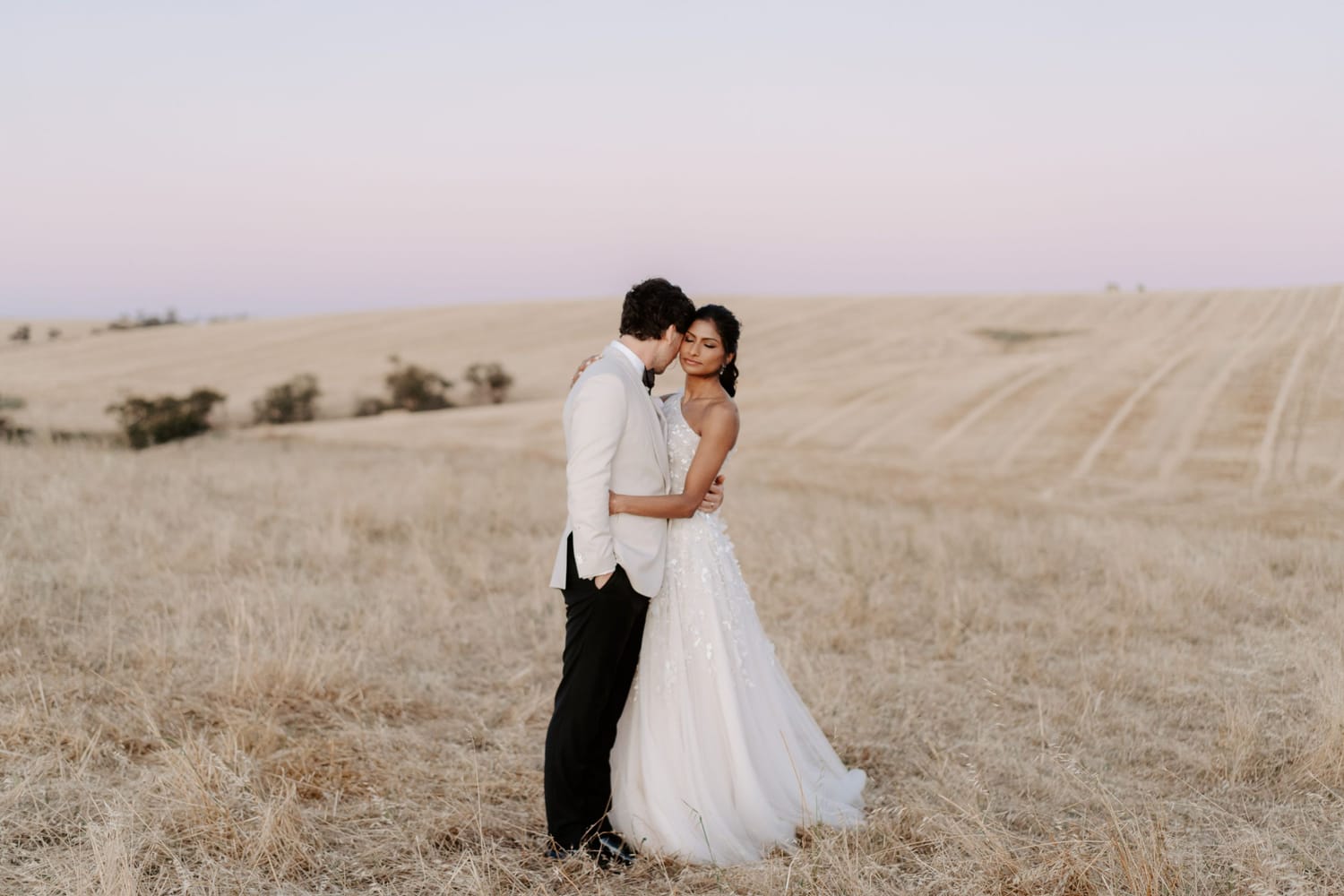
Imagine having a consistent editing style that makes your photos instantly recognisable.
In just 5 days you can learn to confidently edit your images to look polished & professional.
Do you feel like your images are just not quite at the standard you want?
Let's make some quick tweaks to instantly make your images more polished and professional. On Day 1, you will learn how to easily correct lens distortions and quickly straightening your images.
Blown out highlights, dark shadows and skin tones that don’t look right?
Let's fix it. On Day 2, you will learn how to quickly balance an image, using exposure and white balance. Get these editing basics right and you're images will instantly improve.
Does the thought of airbrushing skin sound super overwhelming?
Maybe you have no idea where to start. By the end of Day 3, you will know how to very quickly smooth out skin tones, ensuring your photos look polished.
Keen to speed up ypur editing?
You don't need to memorise a 100 keyboard shortcuts, in this video, you will learn 10 super practical keyboard shortcuts we actually use all the time.
Wish you could get your digital photos looking like film?
On Day 5 you will learn some very quick ways to add a filmy vibe to your photos. Keeping colours true is important, but don’t forget you’re also an artist; you’re allowed to break the rules 😉
SIGN UP FOR THE BETTER EDITING CHALLENGE IN 3 STEPS.
Step 1.
Fill out the form with your name and email. No spam, we promise!
Step 2.
Look out for the confirmation email in your inbox. If it's not there, it may be in your spam folder.
Step 3.
Keep an eye out for the daily emails in your inbox, starting the day after you sign up!
TAKE THE BETTER EDITING CHALLENGE
You will walk away knowing how to:
Quickly make lens corrections & straighten images
Nail your exposure, white balance & skin tones
Easily airbrush and retouch your images
Use keyboard shortcuts to save you time
Get creative with fun editing techniques
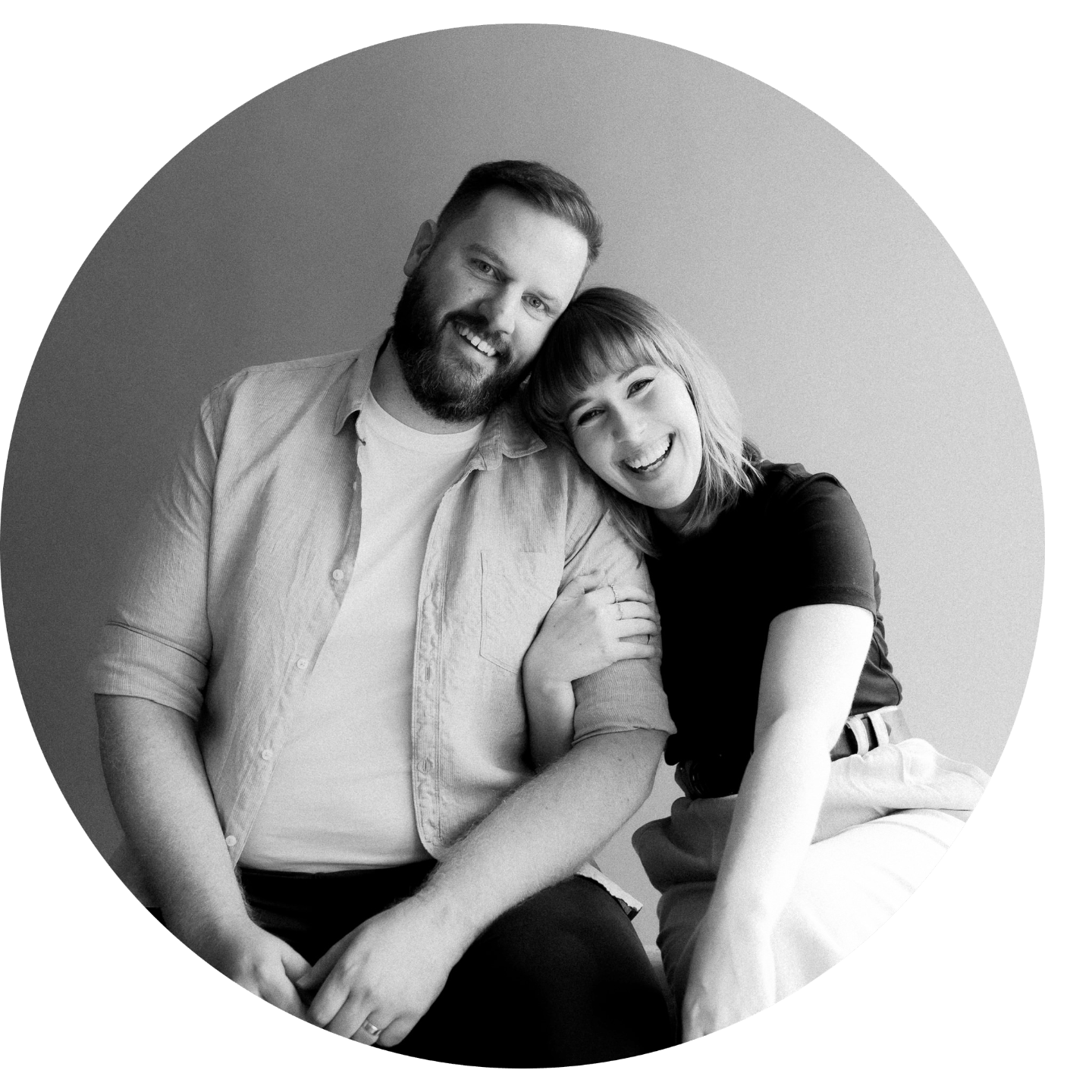
We're Trent & Jessie
Husband and wife, photographers and filmmakers, best friends and quiet souls.
For the last 13 years we’ve poured ourselves into our wedding photography business. We’ve captured weddings throughout Australia and internationally, we’ve had so many adventures and met the most incredible people.
Now, we’re carving out a safe space for photographers to ask questions while we share everything we’ve learnt and are learning.
If you’ve found yourself in our little corner of the internet, welcome!
We’re so glad you’re here.
Cheering you on always,
T&J
Some experience with Adobe Lightroom Classic is necessary as this is the software we will be using.
You will need a computer and access to Adobe Lightroom Classic.
Once you sign up, you will have access to the videos for a minimum of 12 months. You can revisit the videos for a refresher during that time.
© 2026 Trent and Jessie PTY LTD